
Share This Article
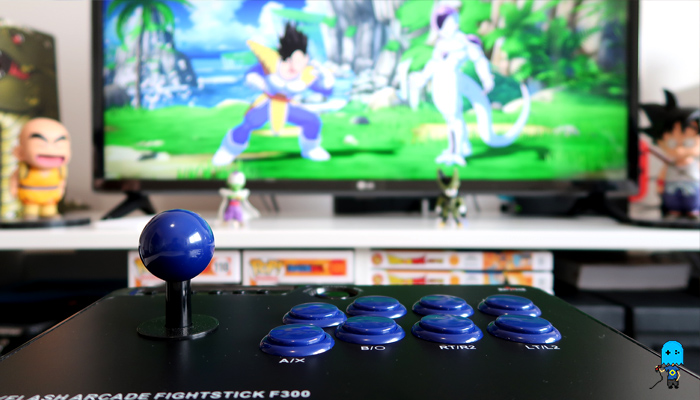
A GOOD ARCADE STICK FOR BEGINNERS?
I’ve been playing Dragon Ball FighterZ on the Nintendo Switch for a while now and I’m loving it, however, I’ve stumbled into a complicated issue. If I play it for too long my thumbs start to hurt and the pain usually lingers for a couple of hours. The obvious solution to this problem, other than seeing a doctor, would be to stop playing the game, but I’m too stubborn for that. Instead, I decided to buy an Arcade Stick since while playing with it my thumb’s movements would be minimal. After a couple days of research, I eventually found one to my liking and today I’m here to answer the question ”Is the Mayflash Arcade Stick F300 worth it?”
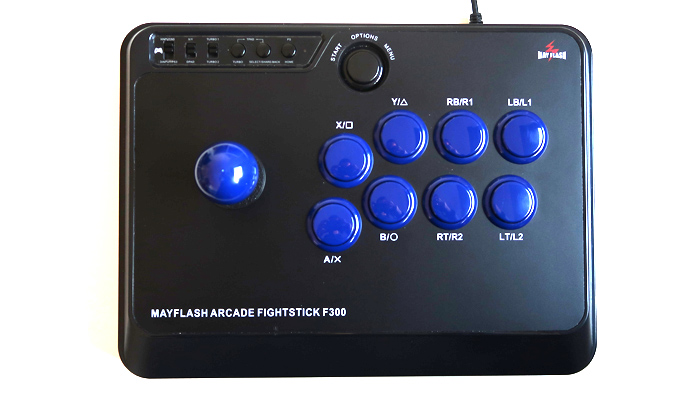
I was looking for a controller that wouldn’t be too expensive but at the same time, it shouldn’t feel cheap, also it should be compatible with the Nintendo Switch. I eventually stumbled into two sticks that seemed to fit my criteria, both from Mayflash. One being the F300 model and it’s upgraded version, the F500.
One is around 50€ and the other 80€. The F500 has a couple more features like a compartment to store its cable, a port to plug your phones and another port to plug a vibration strap. Since none of these extra features interest me I decided to go with the Mayflash Arcade Stick F300.
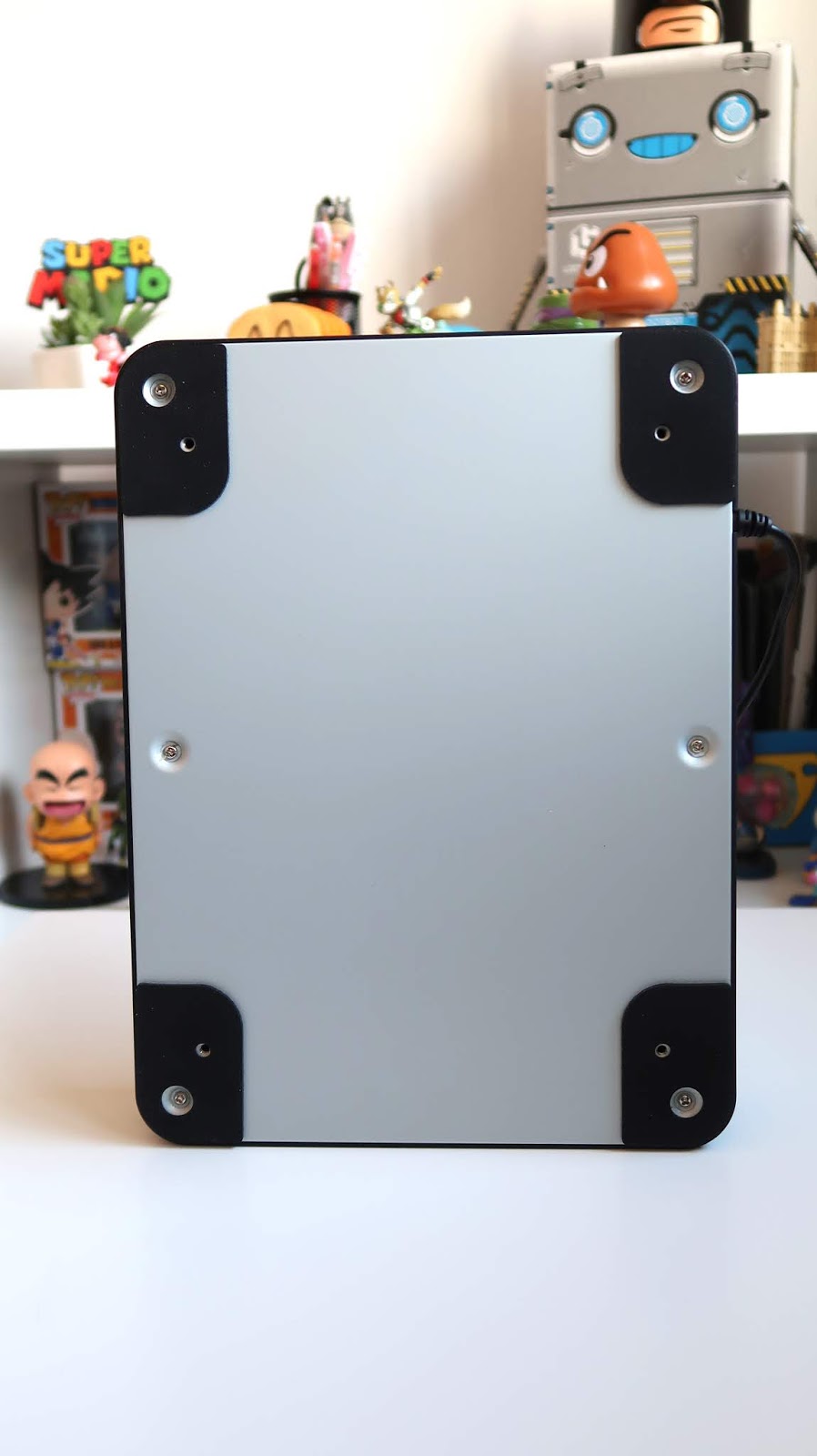
Once I got it the first thing I noticed was its weight and consistency. I was worried that while playing it on a table it would start sliding but its 1,5kg combined with some rubber pads at the bottom keep it glued to the surface, so I’m free to mash around!
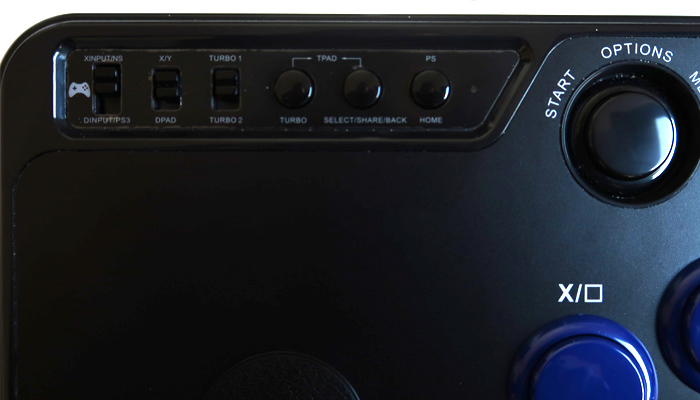
Then I started looking at the buttons, other then the eight main buttons there are a couple more on the upper left corner which I didn’t even touch yet. They are the Home, Select/Share/Back and Turbo buttons. At the same spot, there are also a couple of switches that correspond to the Turbo 1/Turbo 2, 2X/Y/DPAD and the XINPUT/NS/DINPUT/PS3.
On the backside near the cable, there’s a USB port to plug a controller. By plugging it the stick maps its buttons. On the Nintendo Switch, however, you don’t need this feature. Just plug the Arcade Stick and play, simple as that. Also, above the 8 main buttons, there’s a Start Button, which is nice and handy to have.
To be honest, out of all of these features and buttons the only ones I use are the Start and Home Button, the other ones are completely unnecessary, at least for me.
Now that we’ve moved past the unnecessary stuff we can finally talk about the main buttons and the joystick. The buttons are made of plastic and feel responsive although you can tell they are not top quality and also they can be quite loud. The joystick feels very smooth and it’s square-shaped, which means that it locks on the corners. It suffers from the same problem as the buttons though, it’s a bit loud sometimes. This isn’t much of a problem for me anyway, the only person in the house that complains about the noise is my girlfriend! As for combo execution, I tend to drop a couple when performing quarter circles, but I think that’s my fault and I need to hit the practice mode more often!
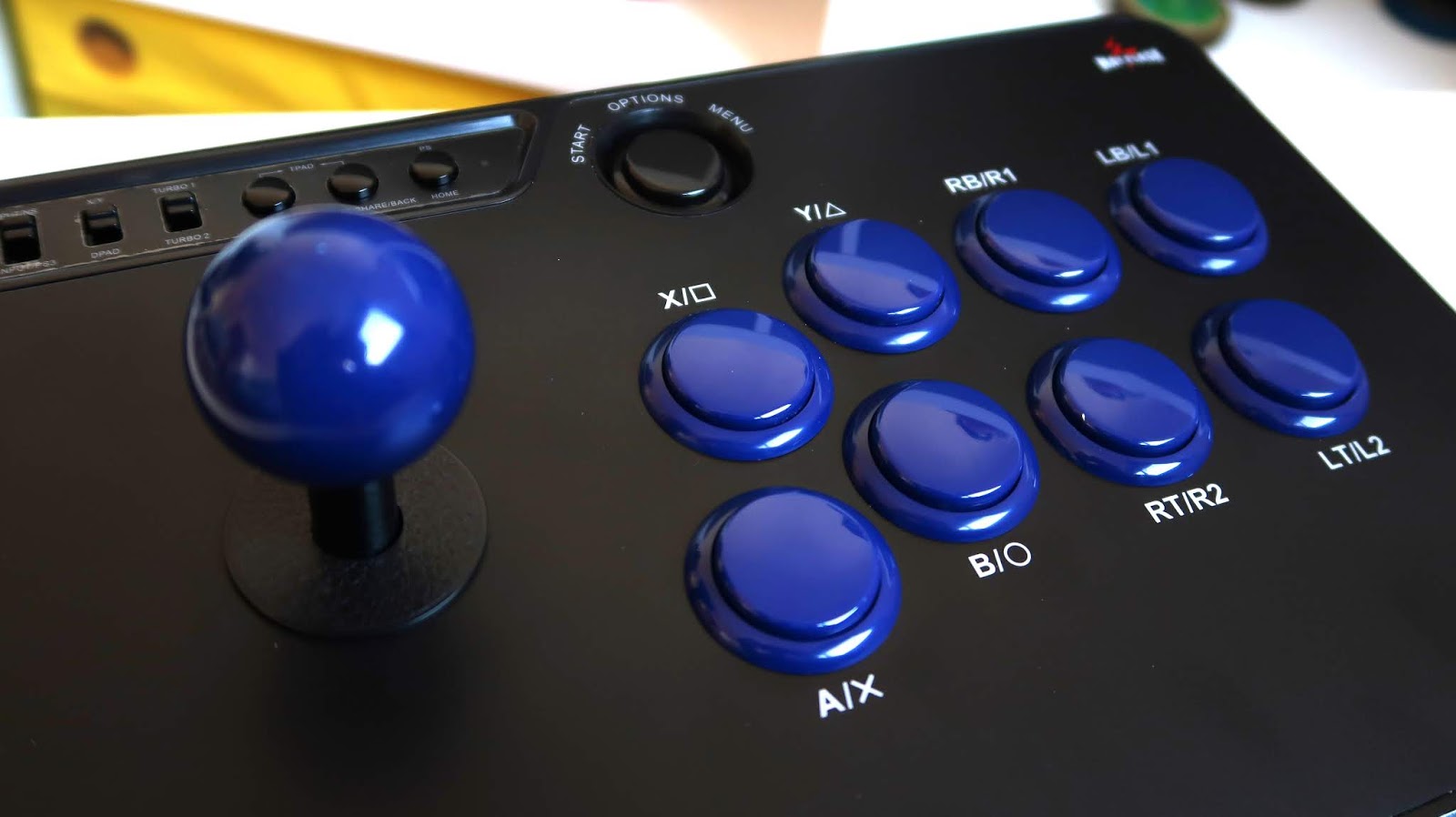
So, is the MayFlash Arcade Stick F300 worth it? I truly think that it’s a great stick and not just for casual gamers. If you want to get serious about fighting games you can easily mod it to your liking so you can have the best buttons and joystick on the market! Also if you suffer from thumb pain like I do an arcade stick might be a smart pick, it helped me a lot and now I can play pain-free!
I really want to try modding my fight stick so look forward to some guides on it in the future!
9 Comments
Binance美国注册
Your article helped me a lot, is there any more related content? Thanks!
Darwin
Heey There. I founnd youyr blog the usage oof msn. Thiss iis aan extremeely well writen article.
I’ll bee sjre to bookmark iit andd ome bback too rread mor oof your helpfl info.
Thasnk yyou ffor thhe post. I’ll deffinitely return. xnxx
my homepage xnxxy cc
Dream Car Collection Roblox Team
The F300 is definitely a fantastic entry-level stick! Switching to an arcade layout really helped with my hand strain as well, and the best part is that it’s super easy to swap in Sanwa parts later if you ever want to upgrade. Dream Car Collection Roblox Wiki
Cameraman Tower Defense Team
The F300 really is the best budget stick to start with, especially if you’re dealing with thumb pain from standard controllers. The best part is that if you ever want to upgrade later, it’s super easy to swap in Sanwa buttons! Cameraman Tower Defense
Vaultbreakers Team
The F300 is an awesome budget entry point, especially for getting into fighting games without wrecking your thumbs. Plus, it’s super easy to mod with Sanwa buttons later on if you ever decide you want an upgrade down the line! Vaultbreakers
Crack the Pack Team
The Mayflash F300 really is one of the best entry-level sticks out there. It completely fixed my hand cramps with fighting games too, and you can always mod it with Sanwa parts down the line if you want an upgrade! Crack the Pack Wiki
貓咪大戰爭資料庫
Treating Dragon Ball FighterZ thumb fatigue by buying an arcade stick rather than simply resting sounds counterintuitive, yet moving input stress away from the thumbs genuinely saves your joints during long sessions. For anyone on the fence between budget hardware like the F300 and pricier models, reading [[LINK]] on entry-level fightsticks can clarify whether you actually need those premium extras. this guide
Hero Siege Database
The thumb strain from grinding FighterZ was the exact reason I picked up the F300, and its 1.5kg weight definitely kept it from sliding off my desk during intense matches. I actually used this page when sorting out my switch settings and button mappings, which made the transition from a standard handheld pad so much smoother.
inscreva-se na binance
I don’t think the title of your article matches the content lol. Just kidding, mainly because I had some doubts after reading the article.